

Every business is unique. Just because something works for one company doesn’t mean it will work for another. That’s why business CRM software should not be the same for everyone. When a CRM is made to match how your business works, your team can do their jobs faster.
Customers feel cared for because nothing gets missed. And the information you collect becomes easier to use and more helpful.
In this blog, we’ll show you how to customize LionO360 CRM to fit your business perfectly. You’ll learn why customizing matters, and how to keep improving over time.
Reasons to Customize Your CRM
It can organize contacts, sales, tasks, and customer conversations in one place. However, using it "straight out of the box" can make it feel slow, confusing, or overwhelming.
CRM software customization makes it:
- Simple to use: only the necessary information is visible to your team.
- Faster: tedious tasks are automated.
- Smarter: you learn more about your clients.
- Connected: your tools work together seamlessly.
The software becomes a tool that feels specifically designed for your company when it is customized.
Know What Your Business Really Needs
Before changing anything, take a little time to understand how your business operates day to day. Think about questions like:
- Which tasks take too much time?
- When do we forget to follow up with customers?
- What information do we really need to make good decisions?
A small service business may care most about visiting customers on time and getting feedback. A sales team may focus more on tracking deals and sending follow-up reminders.
When you clearly understand these, it becomes much easier to set up CRM like LionO360 in a way that genuinely helps your business.
Set Up Smart Workflows
Workflows are rules, your CRM follows automatically. With CRM Workflow Automation, you can set these rules based on how your team already works. For example:"
- When a new lead arrives, the CRM can assign it to the appropriate salesperson.
- When a deal is marked as “Won,” the CRM can automatically send a thank-you email.
- When a task deadline is near, the CRM can notify your team to prevent any oversights.
These small setups save a lot of time every week. Your CRM starts helping you, rather than adding more work to your day.
Use AI‑Powered Automation to Save Time
This makes your work easier and helps you focus on what matters most. CRMs like LionO360 offer innovative tools that assist you with the challenging work. You don’t have to do everything alone. The system analyzes customer behaviour and helps you decide your next move. It alerts you when a lead looks more interested and shows you which customers need immediate attention.
Track What Matters with Customized Data Fields
Every business captures customer details differently. Some may need social media links. Others might track service dates or subscription types. LionO360 CRM lets you customize the data you collect to fit your business logic.
Custom data fields help your team:
- See the correct information immediately.
- Filter customers by traits that matter.
- Generate reports that make sense for your business goals.
This makes your tailored CRM solutions more than just a list; it becomes your must-have tool.
Integrate with Your Favorite Tools
No business works with just one tool. You may already use software for billing, shipping, or marketing. That’s why it’s important to choose a CRM that can connect easily with other tools. LionO360 CRM from LionOBytes does exactly that.
When your custom CRM for business is connected to your other tools, your team doesn’t need to enter the same information again. Everything moves smoothly from one place to another.
This saves time, reduces mistakes, and helps everyone work better.
Personalize Your Workspace
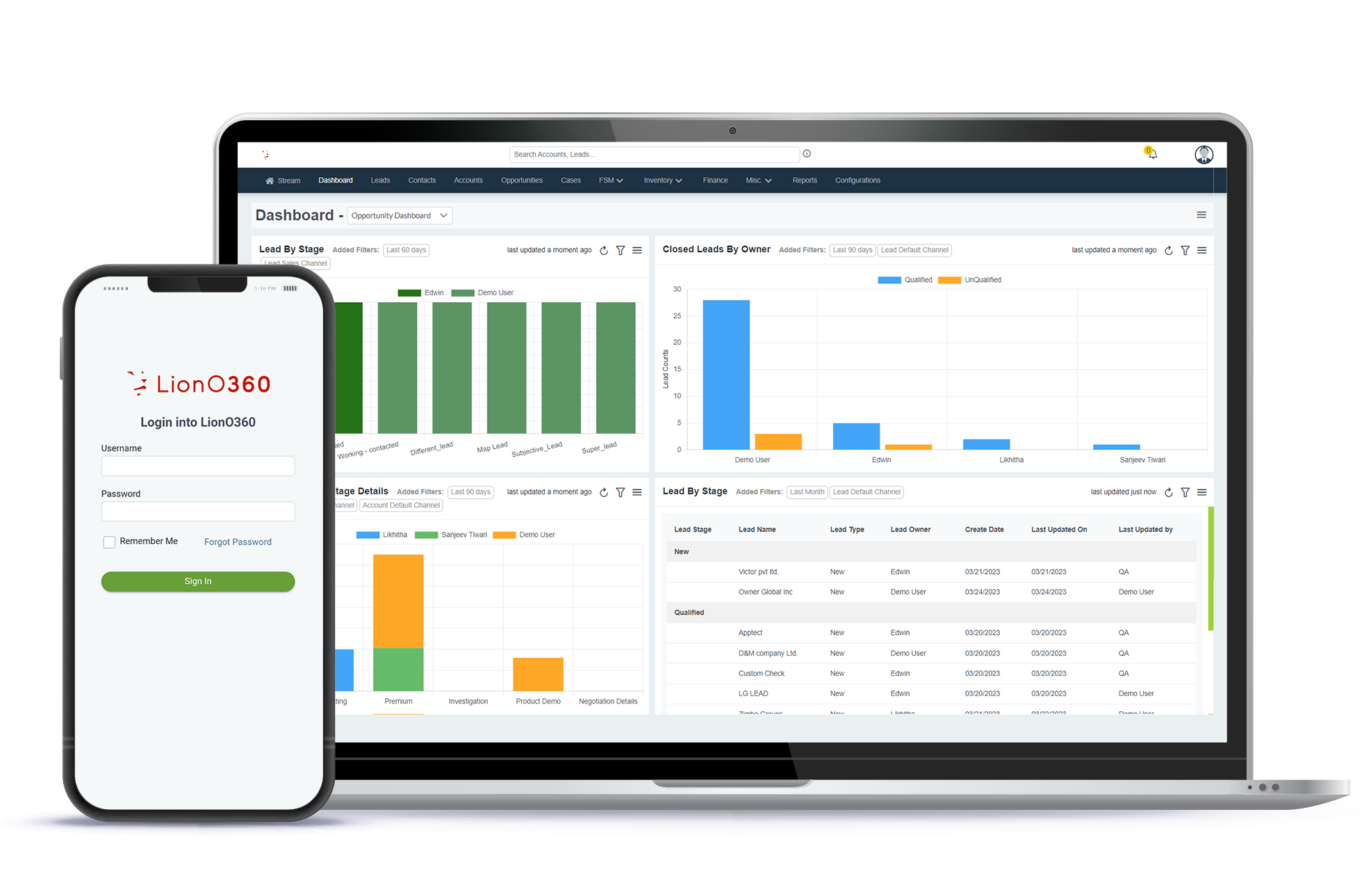
A messy dashboard can make work harder. With LionO360 CRM, you can neatly organize:
- Team workspaces
- Projects and tasks
- Field service schedules
- Who can do what
This way, team sees only what they need. Field staff can easily check locations with geofencing, and sales teams can monitor deals.
LionOBytes Customize CRM software makes work straightforward and clear for everyone.
Common Mistakes to Avoid
When businesses set up their CRM, they sometimes make mistakes like:
- Adding too many fields that confuse everyone
- Automating tasks that aren’t really needed
- Forgetting to teach the team about the new setup
To avoid these problems:
- Keep changes simple and only add what’s useful
- Show your team how things work with short guides or quick demos
- Check your CRM setup every few months to make sure it’s still working well
Final Thoughts
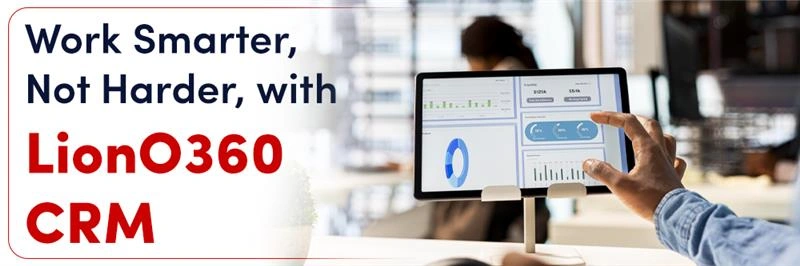
Customizing your CRM shouldn’t feel scary.
Think of it as shaping software to mirror your business. LionO360 CRM gives you the tools to do just that, from automation and AI insights to integrations and custom workflows.
The goal of custom CRM software development is simple: spend less time doing the same boring tasks and more time on what really matters, helping your customers and growing your business.
Book your free crm demo today with LionOBytes and turn your CRM from a tool you use into a tool that works for you.
Also Read: Best AI Workflow Automation Tools
Frequently Asked Questions
What is CRM customization for SMBs?
It means adapting a CRM to fit the needs of small and medium businesses. You can add only the features your team needs, so your team works faster.
What is CRM workflow customization?
It lets you set rules for how tasks, leads, and deals move in your CRM. This keeps your work organized and straightforward.
How to build a CRM with AI using a custom CRM builder?
With a custom CRM builder, you can add AI features that suggest actions, track leads, and show which customers need attention. It helps your team work smarter.