

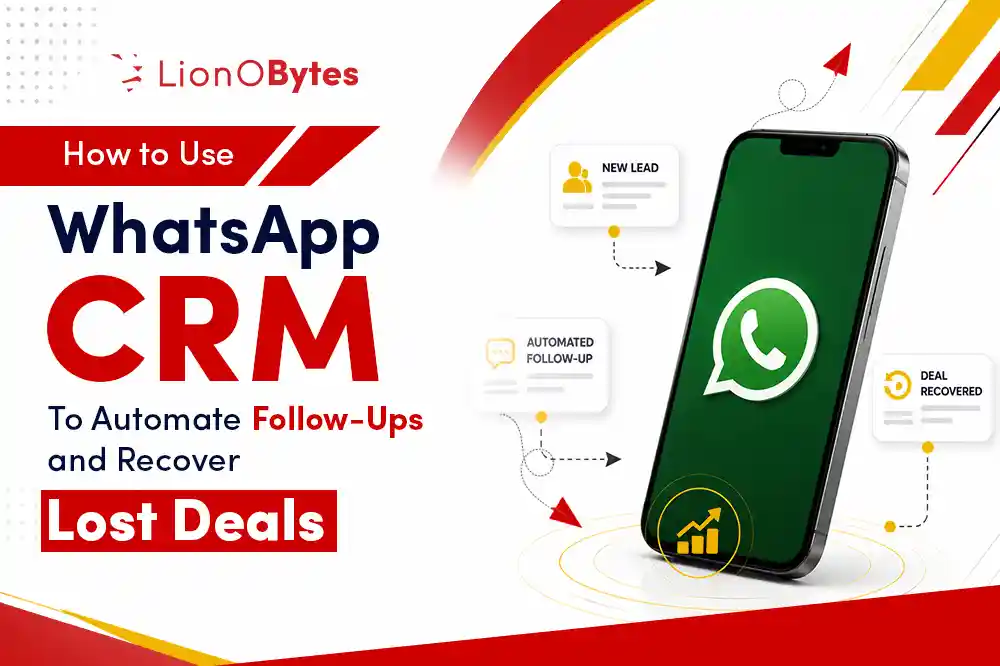
Most sales are not lost because the product was wrong. They are lost because no one followed up at the right time. WhatsApp CRM changes that by putting your follow-up process on autopilot, right inside the app your customers already use every day.
Key Takeaways:
- CRM with WhatsApp connects your customer relationship tools directly to WhatsApp conversations.
- Automated follow-ups through WhatsApp reach customers faster than email in most cases.
- You can set up message sequences that run automatically based on customer actions.
- Recovering lost deals is easier when you can send the right message at the right moment.
- WhatsApp CRM gives your sales team a complete view of every conversation alongside deal data.
- Small businesses in the USA can use WhatsApp CRM to compete with larger companies on response speed.
Why WhatsApp Is a Game Changer for Small Business Sales
WhatsApp has over two billion active users worldwide, and in the USA, it is growing fast as a business communication tool. The open rate for WhatsApp messages is significantly higher than email, which means if you want your follow-up to actually be read, sending it through WhatsApp is often a smarter move.
But the real magic happens when WhatsApp is connected to your CRM. Instead of manually sending messages and hoping you remember to follow up in three days, you can build automated sequences that do the work for you. Your sales process becomes consistent, and no lead gets forgotten.
What Is a WhatsApp CRM?
A WhatsApp CRM is a system that connects your CRM software with your WhatsApp Business account. It allows you to send, receive, and manage WhatsApp conversations from inside your CRM, rather than switching between the two apps.
More importantly, a WhatsApp CRM for small businesses lets you automate messages based on triggers. For example, if a lead has not responded in two days, the system can automatically send a follow-up message. If a customer places an order, they automatically get a confirmation and a thank-you message. If a deal was marked as lost, you can set up a re-engagement sequence that runs over the next few weeks without any manual effort from your team.
How to Set Up Automated Follow-Ups with WhatsApp CRM
Step 1: Connect WhatsApp Business to Your CRM
Start by linking your WhatsApp Business account to your CRM platform. Most modern CRM tools support WhatsApp CRM integration either natively or through the WhatsApp Business API. Once connected, your WhatsApp conversations appear directly in your CRM alongside the rest of the customer's history.
Step 2: Create Your Follow-Up Sequences
Decide on the key moments where a follow-up should happen automatically. Common follow-up triggers include:
- No response after an initial outreach within 48 hours
- A lead that viewed your proposal but did not respond
- A customer who abandoned a shopping cart or inquiry form
- A deal that was marked as lost without a clear reason
- A customer who has not purchased in the last 60 or 90 days
Step 3: Write Your Messages
Your automated messages should feel personal, not robotic. Keep them short and friendly. Address the customer by name. Reference their specific situation if possible. A message that says 'Hi Sarah, just checking in on the quote I sent you last week, happy to answer any questions' will always outperform a generic 'Following up on my previous message.'
Step 4: Set Timing Rules
Timing matters. A follow-up too soon feels pushy. Too late and the opportunity is gone. Most successful sales teams send the first follow-up within 24 to 48 hours of no response, with two or three additional messages spaced out over the following week or two.
How to Recover Lost Deals with WhatsApp CRM
A lost deal is not always a dead deal. Sometimes timing was wrong. Sometimes the customer needed more time to think. Sometimes they just got busy. WhatsApp CRM gives you a structured way to go back to those lost opportunities and turn some of them into wins.
Here is how to build a lost deal recovery sequence:
- Wait at least two to three weeks after the deal was marked as lost before reaching out.
- Start with a message that acknowledges their situation without pressure, something like: Hey John, I know now might not have been the right time. I wanted to check in and see if anything has changed.
- Share something of value, like a relevant article, a new feature, or a special offer.
- Make it easy for them to re-engage with a simple yes or no question rather than asking them to schedule a full call.
- Run this sequence over four to six weeks with two or three touchpoints spaced out.
Key Features to Look for in a WhatsApp CRM
| Feature | Why It Matters |
|---|---|
| Two-way WhatsApp sync | See all conversations inside your CRM without switching apps |
| Automated message sequences | Run follow-ups without manual effort from your team |
| Template message library | Pre-approved WhatsApp templates ready to use for common scenarios |
| Contact segmentation | Send different messages to different groups based on deal stage or behavior |
| Analytics and reporting | See open rates, response rates, and which messages work best |
| Team inbox | Multiple team members can manage WhatsApp conversations from one shared inbox |
LionO360 CRM: WhatsApp Automation Built for Sales Teams
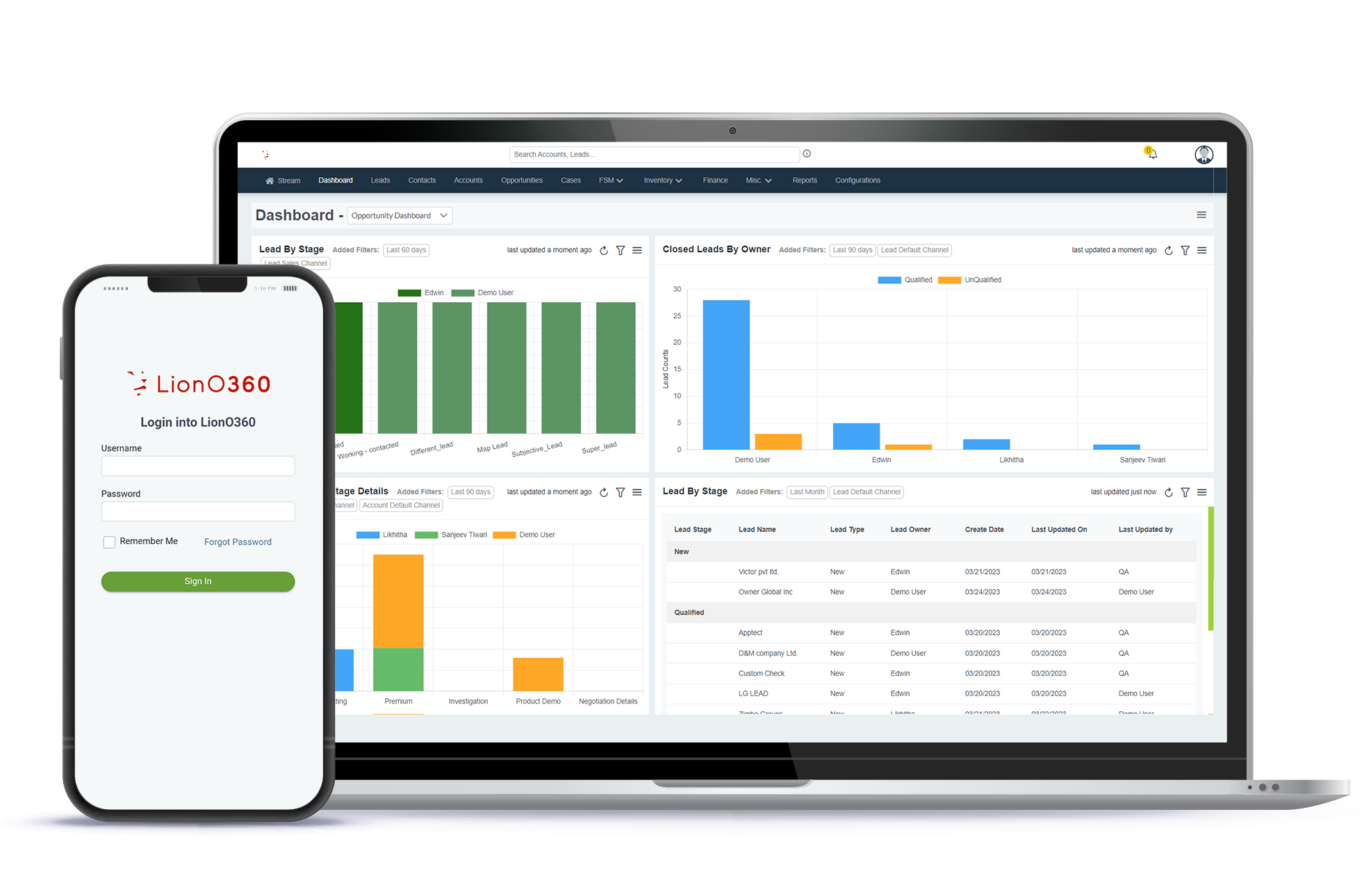
LionO360 CRM includes WhatsApp integration that connects your conversations directly to your deal pipeline. You can set up automated follow-up sequences, manage all your WhatsApp messages from one place, and track every customer interaction without bouncing between apps.
Whether you are trying to convert more leads, win back lost deals, or just keep customers engaged after a purchase, LionO360 gives your sales team the tools to do it automatically. The system is designed for small and growing businesses that want big-business capabilities without the complexity or the price tag.
Stop losing deals because no one followed up at the right time. Visit lionobytes.com to see how LionO360 CRM can put your follow-up process on autopilot.
Frequently Asked Questions
1. What is a WhatsApp CRM?
A WhatsApp CRM is a CRM platform that connects directly with WhatsApp Business, allowing you to manage conversations, automate messages, and track customer interactions all in one place.
2. Can I automate WhatsApp messages without a CRM?
You can use the WhatsApp Business API to send some automated messages, but without a CRM, you lose the connection to your customer data, deal history, and sales pipeline that makes automation truly effective.
3. Is WhatsApp CRM useful for small businesses in the USA?
Yes, and especially for businesses that already communicate with customers over WhatsApp. Connecting it to your CRM makes your entire follow-up process faster and more consistent.
4. Can WhatsApp CRM help recover deals that were already marked as lost?
Yes, this is one of the best use cases. Automated re-engagement sequences sent through WhatsApp can bring back a meaningful percentage of deals that were previously marked as lost.