<

See How LionO360 Can Improve Your Business - Book A Free Demo!

See How LionO360 Can Improve Your Business - Book A Free Demo!

See How LionO360 Can Improve Your Business - Book A Free Demo!

See How LionO360 Can Improve Your Business - Book A Free Demo!

See How LionO360 Can Improve Your Business - Book A Free Demo!

See How LionO360 Can Improve Your Business - Book A Free Demo!

See How LionO360 Can Improve Your Business - Book A Free Demo!

See How LionO360 Can Improve Your Business - Book A Free Demo!

See How LionO360 Can Improve Your Business - Book A Free Demo!

See How LionO360 Can Improve Your Business - Book A Free Demo!

Close
Search

Project Management in LionO360 FSM

Why LionO360 FSM - Matters 
in Project Management

LionO360 Field Service Management brings those pieces into one clear workspace, so teams stay aligned, tasks get done on time, and managers see real progress without any delay.

Project-based companies run on schedules, resources, and clear handoffs. A good field service project management setup helps you:

Reduce delays by tracking who is doing what and when.

Cut down repeated work by sharing up-to-date job details in the workspace.

Make reports simple so leaders can make fast decisions.

Workspace features FSM dashboards briefly.

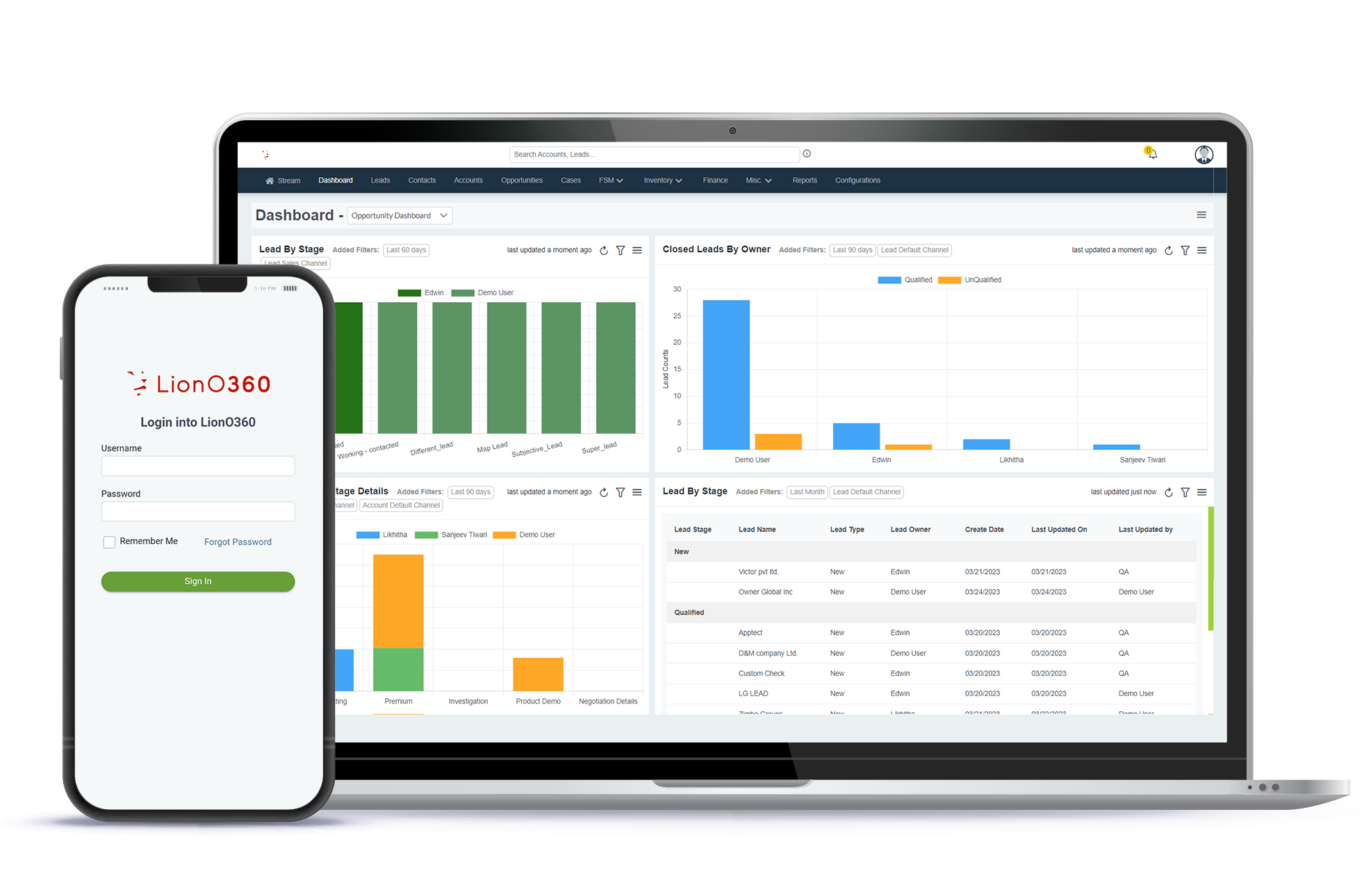
The workspace in LionO360 dashboards is the command center for your field projects. It combines project plans, tasks, schedules, team notes, and reports into one screen. The workspace helps teams import data, assign tasks, track jobs, and generate reports without switching apps.

Project Plan: Three Core Actions

Import data

Bring in customer details, site addresses, equipment lists, and historical records. The workspace accepts standard file formats and matches imported items to existing records to avoid duplicates.


Create task

Break the project into clear tasks. Add start and end dates, required skills, materials, and any photos or instructions. Assign tasks to the right technician directly from the workspace.


Report generation

Use the built-in reporting tools to pull out daily progress, completed tasks, late tasks, and attendance summaries. Reports can be exported or scheduled to run automatically and land in managers' inboxes.


How LionO360 - Helps 
Project Managers

Project managers lead field projects from planning to handover. In LionO360, the workspace supports each part of the role.

Assigning Task

Choose the best technician based on skill set, location, and availability. Assignments are visible to the whole team, so everyone knows the next steps.

Updation

Managers and technicians can update task status in real time. Notes, photos, and material use are recorded, so the project record stays current.

Task Tracking

Track each task through stages such as not started, in progress, blocked, and completed. Visual indicators on the dashboard show where tasks need attention.

Job Scheduling

Schedule single jobs or batch-schedule similar jobs across a region. The workspace shows travel time and overlapping assignments to prevent double-booking.

Details of Jobs

Store full job details in one place. Include customer contacts, site access notes, safety checks, and equipment serial numbers, so technicians arrive prepared.

Attendance Managements

Capture technician for check-ins and check-outs. Attendance data ties into daily reports and helps managers verify hours and productivity.

LionO360 FSM & Workspace

LionO360 makes field work feel easier. The workspace turns chaos into clarity with live updates, clear task lists, and fast reporting. When a technician uploads a photo or completes a checklist, the whole project moves forward. Managers spend less time wrestling spreadsheets and more time coaching teams and solving real problems.

FAQs

How quickly can I import an existing project into the workspace?

Most standard project files are imported in minutes. The workspace guides you through mapping fields and flags of possible duplicates.

Can I assign tasks based on technician skills and location?

Yes. Use skill tags and location filters in the workspace to find the best match and assign tasks instantly.

Are reports customizable for different stakeholders?

Absolutely. You can build report templates for field teams, operations managers, and executives, and schedule them to run automatically.

Can attendance records be exported for billing?

Yes. Attendance summaries and time logs can be exported to standard formats for payroll systems or client billing.

Automate Your Business with LionO360

Begin your free trial today! Complete access; No credit card required.