
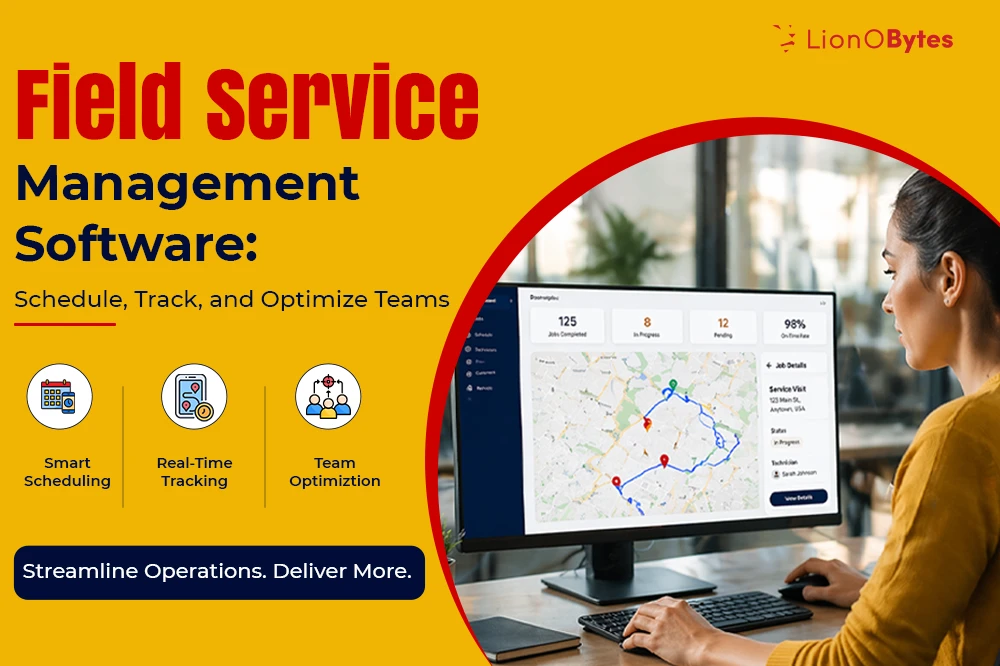
Fed-up with handling field teams properly? Still using outdated tools or manual processes that waste time and money? Not able to see the future?
Field service management software is changing how companies work, making everything simpler and faster. Let's explore how this technology can help your business run better.
Key Takeaways
- A good FSM software helps you schedule workers, assign jobs, and route them perfectly.
- No more phone calls or confusion about who goes where.
- See exactly where your team members are, what they are doing, and when they will finish their jobs.
- Everything happens live on your phone or computer screen.
- Smart planning and fewer delays mean you spend less on gas and staff time, and more time actually helping customers.
- Faster service, accurate arrival times, and real updates make customers smile. Your business gets better ratings and more trust.
- Mobile apps and simple tools let field workers do their jobs faster.
- Managers can help them in real time without being there in person.
What is Field Service Management?
Field service management software helps businesses manage workers who go to customer sites. Think of plumbers, electricians, repair technicians, or maintenance workers. These teams work away from the office and keeping them organized is tough.
Instead of using clipboards and phone calls, your team uses mobile apps. Managers can see everything from their office computer. It is like having a control center for your entire field operation.
Why Do You Need Field Service Management?
Managing field workers is not the same as managing office workers. Your team is spread across the city or country. You cannot see what they are doing. You do not know if they are running late. Customers call asking where their technician is.
Without proper software, you have many problems:
- Customers get angry when workers show up late.
- Scheduling takes hours of phone calls and confusion.
- Workers waste time driving to the wrong addresses.
- You cannot track who is working and what they are doing.
- Paperwork piles up and gets lost.
- No one knows if jobs are done right.
- Billing is slow, and mistakes happen often.
- You cannot see which workers perform best.
- Customers cannot find reliable information about arrival times.
Field service management software fixes all these problems. Your business becomes smoother, faster, and more customer focused.
How Does Field Service Management Software Work?
Think of it like a machine with different parts working together. Each part does its job, and they all work as a team.
The Parts of Field Service Management Software:
The Scheduler Part: Managers set up jobs and assign workers
The Mobile App: Workers see their tasks on their phones and tell you when they are done
The Map System: Shows exactly where each worker is and the best route to drive
The Customer Information: Keeps all details about what needs fixing
The Payment Part: Tracks work done and creates bills for customers
The Report Part: Shows you numbers about how the business is doing
When a customer calls for service, the scheduler enters the service request into the system. The software looks at all available workers and their locations. The worker gets a message on their phone. They will get maps that show the quickest route. When done, they take photos and send notes. The manager can see everything in real time.
Key Features of Good Field Service Management Software
Not all field service management software is the same. The best ones have these features:
1. Smart Scheduling and Routing
The software considers many factors when creating schedules. It thinks about where workers are right now. It checks traffic and driving time. It knows worker skills and which jobs they can do. It tries to assign each person a job near the others to save driving time.
A good route management means:
- Workers spend less time driving
- More jobs get done each day
- Less fuel gets used
- Customers get service faster
2. Mobile Apps for Workers
Field agents need smartphones that help them do their jobs. The best FSM app lets them:
- See their jobs for the day
- Check customer details and photos
- Take pictures of the work they did
- Fill out forms and checklists
- Send messages to the office
- Update job status with one tap
- See maps and directions
- Take payments right there
- Sign digital paperwork
3. Real Time Tracking
Managers can watch everything from the office. They see:
- Where each worker is right now
- How long did they spend on each job
- If they are running early or late
- Which jobs are finished
- What jobs need help
This helps managers answer customer calls with true information.
4. Customer Management
Good software stores customer information that everyone can see:
- Customer name, address, phone
- Previous work history
- What equipment do they have
- Special instructions or notes
- Photos of their property
- Past problems and fixes
Workers can read all this before they arrive. They can see past jobs. They know exactly what the issue is.
5. Payment and Billing
The system handles money automatically:
- Records what work was done
- Calculates prices based on time or service
- Creates invoices right away
- Takes payments on the spot with phones
- Updates your accounting system
- Tracks unpaid bills
This means customers pay faster. You get money quicker. Bookkeeping is simpler.
6. Reports and Numbers
The software gives you information to make smart choices:
- How many jobs did each worker complete
- How much time did they spend
- Customer satisfaction ratings
- Which hours are busiest
- How much money did you make
- What work takes the longest
- Where problems happen most
Numbers tell the truth. You can see what is working and what needs to change.
How Field Service Management Helps Different Types of Businesses
Plumbing and Heating Services
Plumbers have emergency jobs that come without warning. Field service management helps by finding the closest plumber to the problem. It tracks parts used and tools needed. It makes sure follow-up maintenance is scheduled. It shows which customers have problems that keep happening.
Electrical Companies
Electricians work on jobs that take up different amounts of time. The software predicts how long jobs will take based on past work. It schedules longer jobs earlier in the day. It makes sure electricians have the right tools and parts. It creates work orders that follow safety rules.
Maintenance and Repair
Companies that fix elevators, HVAC systems, or other equipment need strict scheduling. The software helps schedule regular maintenance before something breaks. It tracks all the service history. It makes sure technicians do every required check. It alerts when maintenance is overdue.
Pest Control
Pest control companies visit the same places on set schedules. The software automatically keeps customers on regular schedules. It tracks what treatment was used and when the next visit is due. It notes any special instructions at each location.
Benefits of Using Field Service Management Software
Let's talk about the real benefits that help your bottom line.
Save Time and Money
When jobs are scheduled perfectly, workers do more in one day. Less driving means less gas spending. Fewer mistakes mean you do not redo jobs. Getting paid faster means money for your business sooner.
Make Customers Happier
Customers get better service. They get accurate arrival times. The technician knows their history before arriving. Work gets done right the first time. They can see where their technician is coming from. They can pay easily.
All of this makes customers loyal. They will call you again. They tell friends about your good service.
See What Is Really Happening
Before software, you had no idea what was really going on in the field. Now you see facts and numbers. You know which workers are fast and which are slow. You know which types of jobs make money and which lose money. You know when you are busy and when you have empty time.
This information lets you make smart decisions. You can hire more workers when needed. You can offer discounts when business is slow. You can train workers who are not performing well.
Reduce Mistakes and Rework
When information is complete and clear, mistakes occur less often. Workers have the right details. They do the job correctly. Customers do not have to call back to fix problems. You do not have to send someone out again to finish the work.
Fewer mistakes mean better profit because you do not waste time and money doing the same job twice.
Keep Your Workers Happy
Workers like field service software because it:
- Gives them clear work each day
- Saves them from driving in the wrong directions
- Let's them go home on time
- Helps them do work correctly
- Let's show them they are doing well
- Gives them a phone to do their job
- Pays them accurately and on time
Happy workers stay longer. You do not spend money hiring and training new people.
What to Look for When Choosing Field Service Management Software
Not all software is the same. Here are things to check:
1. Is It Easy to Use?
The software should be simple. Your workers and managers should learn it quickly. Good software does not need two weeks of training. It should feel natural.
2. Does It Work on Phones?
Your field workers need a good mobile app. It should work even if the internet is slow or stops for a moment. It should be fast. It should not drain the battery too quickly.
3. Can It Grow with You?
Today, you might have 10 workers. Next year, you might have 50. The software should handle more workers without slowing down or becoming more expensive. It should add new features as you need them.
4. Does It Connect to Your Other Tools?
You probably use accounting software, payment systems, or other tools. The field service software should connect to these. You do not want to enter information twice.
5. How Much Does It Cost?
Some software is charged by the worker. Some charge a flat fee. Some have a base price plus extras. Understand the pricing. Make sure you know what is included and what costs extra.
6. Is Customer Support Good?
When something goes wrong, or you have a question, can you reach someone? Do they help quickly? Good customer support is worth money because problems get fixed fast.
7. Is Your Information Safe?
Your customer data is precious. Make sure the software keeps it safe with security tools. Check if they have backup information. Ask what happens if their server goes down.
How to Pick the Right Field Service Management Software
Step 1: List Your Biggest Problems
What makes your work hardest? Do customers complain about wait times? Do workers get lost? Does paperwork take forever? Do you have no idea who is working where? List three to five main problems.
Step 2: See What Software Can Fix
Look for software that fixes your top problems. If your biggest issue is scheduling, find software that schedules really well. If it is a payment, find software that makes payments easy.
Step 3: Ask for a Test
Good companies let you try their software for free for a few days. Use it with real jobs. See if it feels right.
Step 4: Watch Videos and Read Reviews
Look at how other companies use the software. What do they like and dislike? Are they similar to your business?
Step 5: Talk to the Company
Ask questions like, "Can they change things for your business? Do they want you to succeed?
Step 6: Make Your Choice
Pick the software that solves your problems best and fits your budget. Start with one team to test before going all in.
The Future of Field Service Management
Technology keeps changing fast. Here is what is coming:
Artificial Intelligence
AI will predict which jobs will take long. It will automatically suggest the best worker for each job. It will predict problems before they happen.
Virtual Help
Workers might get video help from an expert when they are stuck. Cameras on their phones could show the expert the problem. The expert could guide them through the fix.
Drones and Robots
Some companies might use drones to deliver parts. Robots might help with some inspection jobs. This will change how fieldwork is done.
Better Predictions
Software will predict when customers need service before they ask for it. It will know the best time to offer maintenance. It will predict how many workers you will need each day.
Easier Integration
Software will connect better with all your business tools. Information will flow automatically between systems.
The future looks like a fully connected business where everything works together smoothly.
LionO360 FSM for Your Field Management

Managing field teams does not have to be hard. LionO360 FSM is built to make your work simple and profitable.
What LionO360 FSM Does:
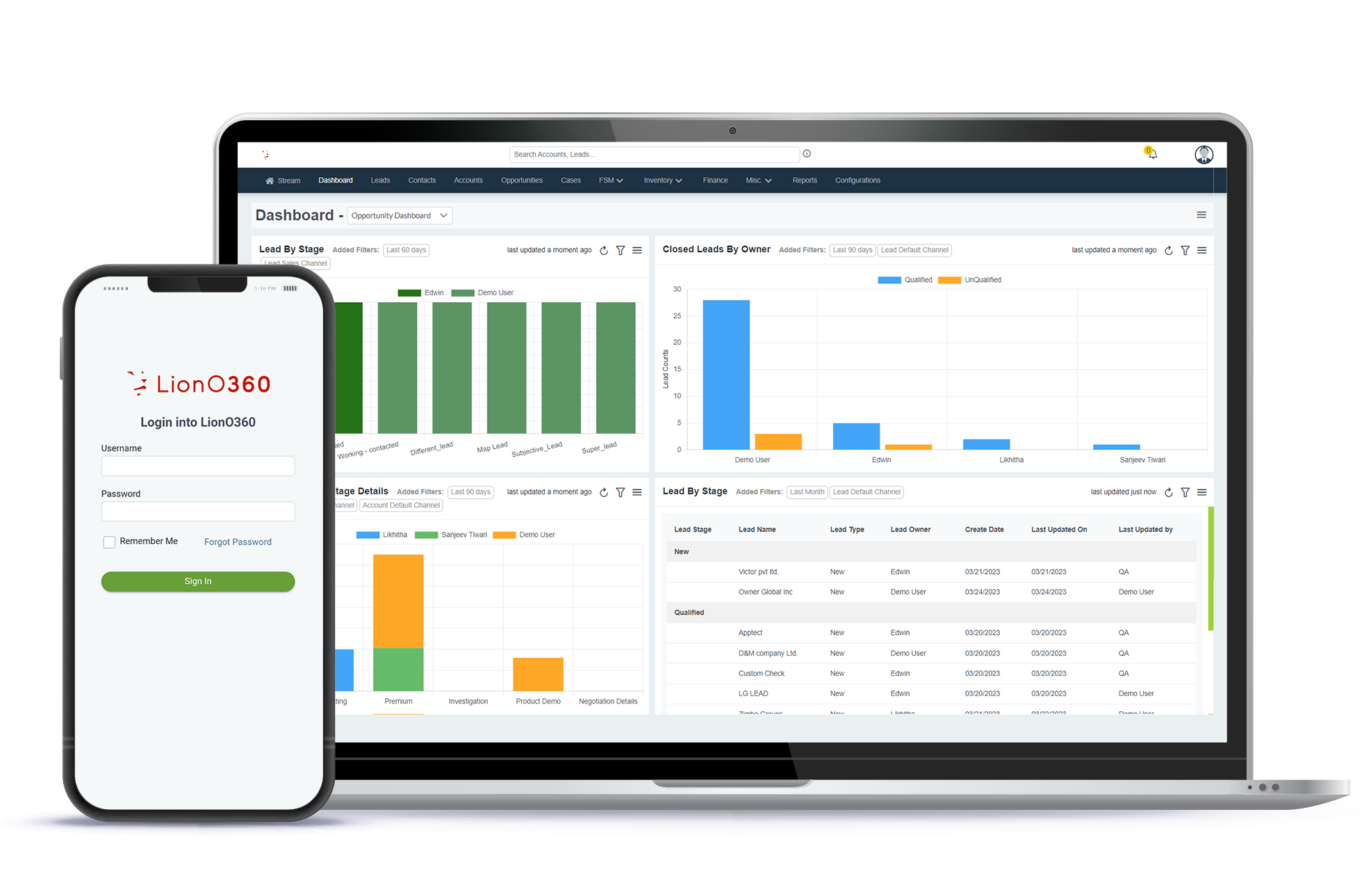
The LionO360 FSM helps you schedule effectively, track work in real time, and view key insights into your business. It works on phones as well. Workers see clear jobs on their phones. Managers see everything at once.
Key Features Include:
- Automatic scheduling that picks the right worker and the best time
- Maps that show the fastest route
- Customer information is all in one place
- Mobile app that works anywhere
- Real-time tracking of all workers
- A customer portal where they can see the service coming
- Payment collection right from the phone
- Reports that show you how the business is doing
- Support from a team that wants you to succeed
Why Choose LionO360 FSM?
LionO360 FSM is made for businesses like yours. It is simple to use. It does not cost too much. It grows as your business grows. The support team helps you succeed.
Get Started Today!
Visit us to see how LionO360 FSM works. You can watch videos, read case studies, and learn how other companies get better results.
Your field team management can be easy. Let LionO360 FSM help you build a stronger, smarter business. Get a free demo now!
Frequently Asked Questions
How long does it take to set up field service management software?
Setup time varies by company but typically takes 2 to 4 weeks. Simple setups with one office and one service type can be ready in one week. Larger companies with many locations might take six to eight weeks. Most of the time goes to entering customer information and worker details, not the software itself. Once you are set up, you can start using it right away.
Can field service management software work if my workers do not have smartphones?
It is best if workers have smartphones with internet, but many systems offer options. Some software can work on simple phones with basic internet. Some let workers use tablets instead. The software sends work details via text message to phones without data. However, smartphones offer the best experience and enable workers to do more. For modern field service management, smartphones are pretty much required.
Will field service management software work for my type of business?
Field service management software works for most service businesses. It works for any business where workers go to customer locations. If your workers stay in the office, field service software might not be the best fit. However, most service businesses benefit greatly from it. Talk to the software company about your specific business to be sure.
What if we already use other software for our business?
Good field service management software connects with other tools you use. It can connect to accounting software, payment systems, customer relationship software, and more. You do not have to enter data twice. When choosing software, ask which other tools it integrates with.
How do I know if field service management software will actually improve my business?
The best way to know is to try it first. Get a free trial or demo first. Use it with real jobs and workers. Track metrics before and after, like how many jobs you complete daily, how long jobs take, and how happy customers are. With LionO360 FSM, you will see faster scheduling, less driving time, fewer mistakes, happier customers, and faster payments.