
Every business uses important papers every day. This includes things like contracts, price lists, and bills. When these papers are lost in different emails or folders, work slows down, and mistakes can happen. This is why having one safe place to keep everything is so helpful.
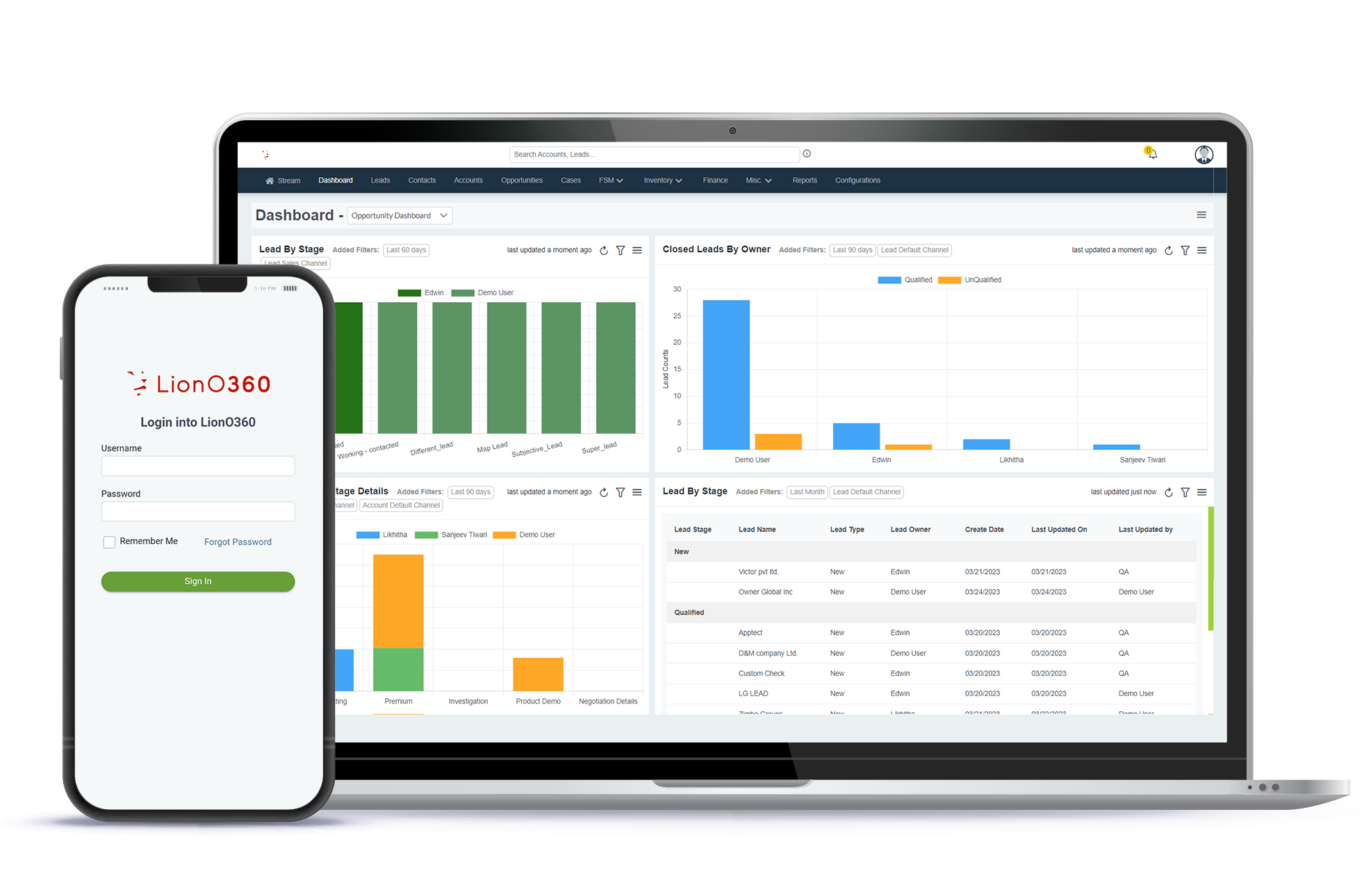
Cloud-based document management software like LionO360 CRM by LionOBytes gives businesses a secure way to save, organize, and share their files in one spot. It keeps everything neat and easy to find.
Let’s understand how it works.
Why Growing Businesses Need a Secure Way to Keep Files
When a business grows, it starts to collect a lot of paperwork. Every department needs its own special files to do a good job:
- Sales teams need to send out price offers.
- Support teams need to look at customer notes.
- Managers need to see how everything is going.
If these files are messy, work becomes very difficult. People waste time looking for things, and private information might be seen by the wrong person.
A secure document system inside your cloud CRM software keeps everything in its right place. By connecting files directly to customer profiles, your team can find exactly what they need in one safe, easy-to-use spot.
What Is Cloud-Based Document Management?
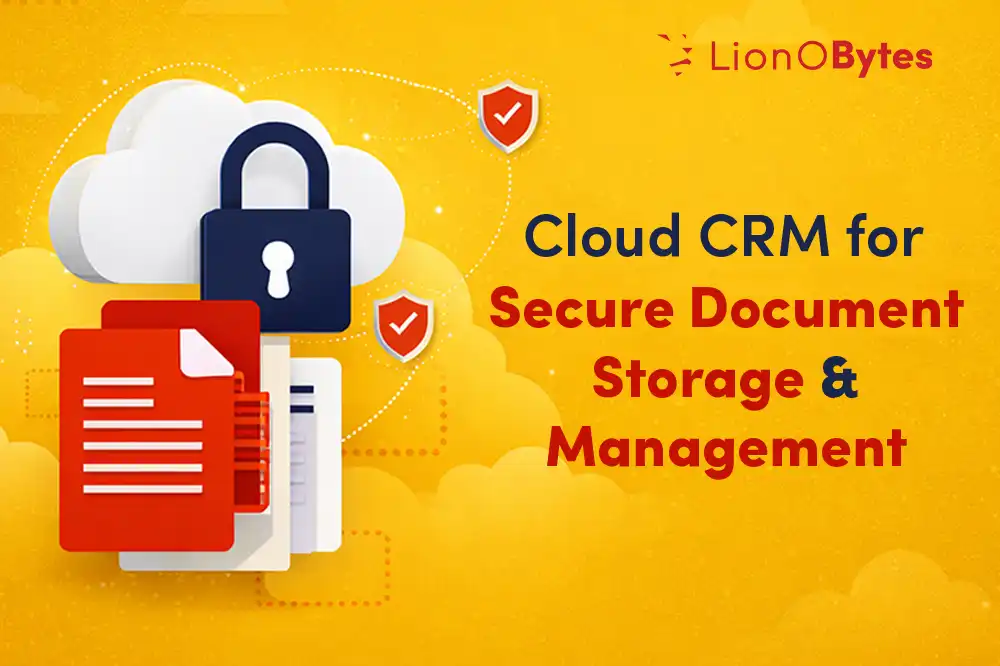
Cloud document management is a professional way to store and organize your files safely online. Instead of keeping work on just one computer, everything is saved inside a central system called a CRM.
With this system, your team can:
- Upload many kinds of files.
- Organize everything into neat folders.
- Control who is allowed to see private information.
- Share files easily with coworkers.
- Get alerts when a document is changed or updated.
Since it is cloud-based, users can access documents from web or mobile anytime.
How LionO360 CRM Makes Document Management Secure
LionO360 CRM makes handling work files simple, organized, and very safe. Here is how the system helps your team stay professional:
- Centralized Document Storage: All your files stay in one secure place. You will never have to waste time searching through different apps to find what you need.
- Folder Management and Organization: You can build folders to sort your documents properly. This keeps everything neat so it is easy to find and track later.
- Role-Based Access Control: You can decide who gets to see certain files. Only people with the right "permission" are allowed to view or change important documents.
- Secure Cloud Storage: Documents are stored in a secure cloud environment with encrypted connections. This helps protect sensitive business data.
- Unified View of Information: Documents are linked directly to your customer notes. This lets your team see all the files they need in one single, clear view.
- Email Notifications: The system sends an email alert whenever a file is shared or changed. This helps everyone stay updated and ready to work together.
Benefits of Cloud Based Document Management Systems (DMS)
A cloud document management system inside LionO360 CRM helps a business run smoothly and professionally. It helps your team in the following ways:
- Increased Productivity: Having all of your files in one place makes it simple to search for and locate the exact file you need. Your team is able to accomplish more work each day and save time as a result.
- Stronger Data Protection: Encrypted connections and specific access rules help protect your most important information from being seen by the wrong people.
- Improved Organization: Using neat folders and structured storage keeps all your files clean and easy to manage. You will never have to deal with a messy digital desk again.
- Seamless Collaboration: Teams can share documents instantly within the system. Automated email alerts also ensure that everyone stays updated the moment something new happens.
LionO360 CRM: Perfect Software for Secure Document Management
You need a professional method to keep your customer information and business documents organized and safe because they are very important. The purpose of LionO360 CRM by LionOBytes is to provide a single, safe location for all of your files. This means you can finally stop worrying about lost paperwork or messy folders.
Instead of having files scattered everywhere, our system lets you store everything in one central spot. With organized folders and instant email updates, your team will always know the moment a file is ready. Since everything is connected directly to your customer records, you can see the whole story on one screen.
Stop wasting your day hunting for missing files. It is time to work with clarity and confidence. Choose LionO360 CRM and give your business the secure, organized system it deserves.
Frequently Asked Questions
1. Can I control who can access documents in a cloud-based CRM system?
Yes. LionO360 CRM lets managers decide who can see or change each document, keeping your files secure.
2. What kinds of files are acceptable for uploading to CRM?
Files, including Word, Excel, PDFs, images, and other standard business documents, can be uploaded to the CRM system.
3. Can cloud based CRM software arrange documents into folders in CRM?
Yes. You can create folders in LionO360 CRM to organize your documents, making them easier to find later.
4. Will I get notified when a document in CRM is updated or shared?
Yes. To keep your team informed at all times, the system sends out email alerts whenever documents are shared or updated.